


Free
Forever free
Everything you need for your first calendar and guest list.
- 1 calendar
- 1 service per calendar
- Up to 2 custom questions
- No teammate invites
- Public booking & RSVP pages
- Guest list management
- Email notifications
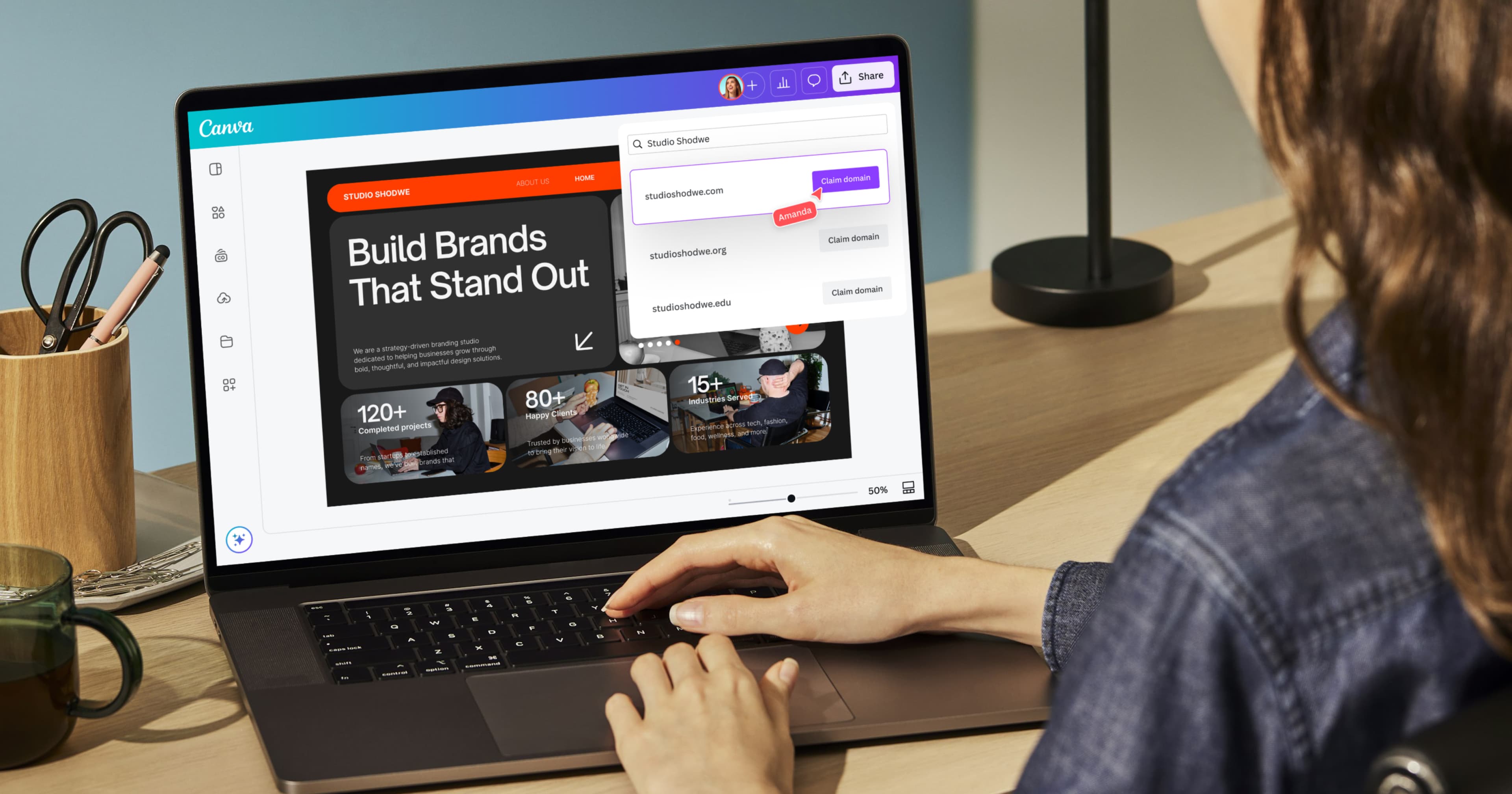
- Embed in Canva designs
Booking calendars for Canva websites
Design a calendar, add it to your website, and manage every booking from one dashboard.
Free to start · Pro from $9.99/mo
Works with

.svg)
.svg.webp&w=64&q=75)
From calendar on your site to guest list in your dashboard — Calendful keeps it simple.
Run fixed-date events or weekly bookable hours from one simple setup.
Embed a branded calendar on your website so visitors can book or RSVP without leaving your page.
Review bookings, manage guest lists, and export CSV from your dashboard.
Connect your calendar so bookings and availability update without extra work.
Design your calendar and add it to your website in minutes. Manage bookings and your guest list from one dashboard.
Manage bookings, export guest lists, sync Google Calendar, and run automations. Integrations, account settings, and billing live in one place so you stay in control.
Connect your calendar and email
Keep availability accurate and send confirmations without extra tools. Connect once, then every new booking stays in sync.
Google Calendar
Events, busy times, availability
Gmail
Confirmations, reminders, automations
Add a booking calendar to your site that matches your brand instead of a generic scheduling widget.
Let clients book services and see your hours from a calendar on your website.
Collect RSVPs or appointment slots for classes, pop-ups, and client sessions.


Start free. Upgrade when you need integrations, automations, and room to grow.
Forever free
Everything you need for your first calendar and guest list.
$9.99 / month
Integrations, custom emails, and room to grow beyond one calendar.
Calendful's use of information received from Google APIs adheres to the Google API Services User Data Policy, including the Limited Use requirements. See our Privacy Policy for details.

Quick answers about setting up Calendful and collecting bookings.
Design your calendar in Canva, then use Add to design to place it on your Canva website or design. You can also copy a public booking link from your dashboard if you need a standalone URL.
Appointments let guests pick an open time from your weekly hours. RSVPs are for a single fixed date and time, with optional capacity limits for events and workshops.
Yes. Free includes one calendar, guest list management, email notifications, and embedding in Canva designs. Upgrade to Pro when you need Google Calendar sync, automations, and more calendars.
Yes. Pro connects Google Calendar to create events when bookings are confirmed and block busy times so guests only see slots you are actually free.
Yes. Confirmation emails include a manage link where guests can view or cancel their booking. Cancelled appointment slots become available again automatically.
Calendful is built as a Canva app, so you create and customize calendars in the Canva editor. Your dashboard for bookings, exports, and billing works in the browser.